Share your profile link
Your own link at tryrmh.com, and a way to see how many people book through it.
Your profile link looks like tryrmh.com/@yourname. Anyone who opens it lands on your reviewer profile and can book you, so it’s the link to put in your Instagram or TikTok bio.
Where to find it
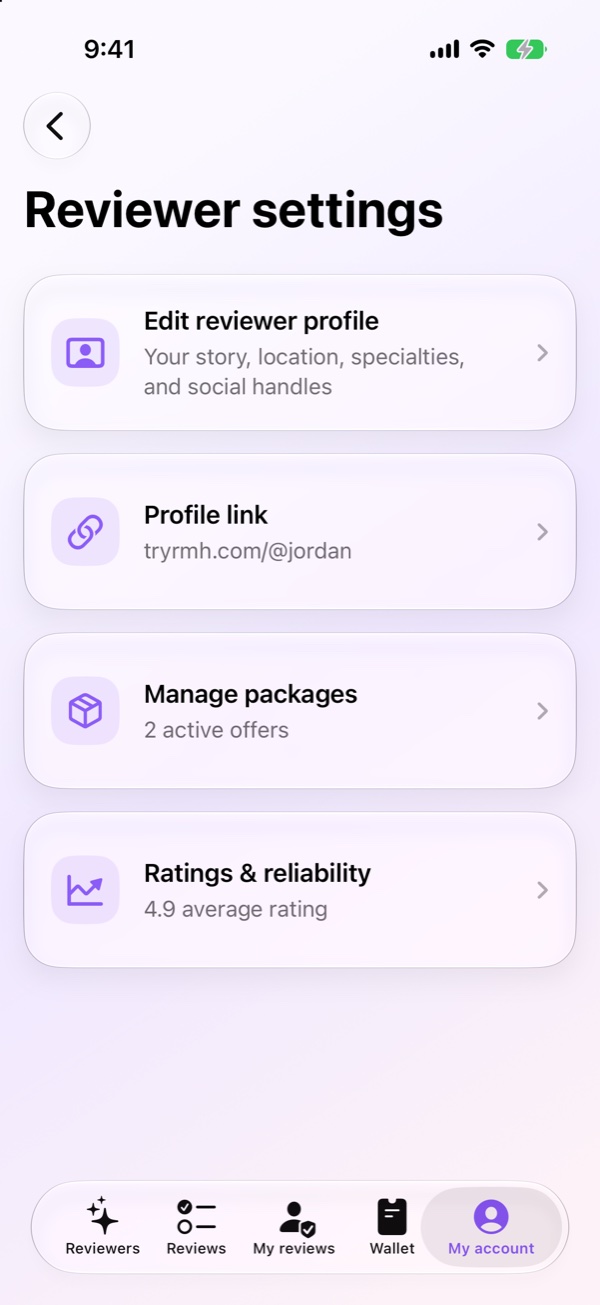
On iPhone, go to My account, then Reviewer settings, then Profile link. On Android, go to My account and tap Profile Link.
Claiming your link
The first time, you choose a username and tap Claim link on iPhone, or Claim this link on Android. A username can be 3 to 30 characters, using lowercase letters, numbers and underscores. It can’t start or end with an underscore, or have two in a row.
After that, you’ll see your link with buttons to copy it or share it.
Changing your username
Tap Change username, type the new one and save it. Your old link keeps opening your profile for 90 days, then stops working, so update it wherever you’ve posted it.
Seeing who it brings
The same screen shows Profile link views over time. On iPhone you get these totals for the period you pick.
- Views
- How many times your profile was opened from your link.
- Link opens
- How many times someone tapped the link.
- App installs
- People who downloaded RMH after opening your link.
- Bookings
- Reviews booked with you that started from your link.
- Revenue
- What those bookings were worth.
To see which app works best, use Links for each app. It gives you a slightly different link for Instagram, TikTok, X, YouTube and Threads, and the numbers are split by where people came from.
Android shows a shorter version, with Views, Clicks and Signups.
Keeping your profile out of Google
On iPhone, turn off Allow search engines to show my profile if you’d rather people only find you through your link or the app. Anyone with your link can still see your profile. Search engines can take a while to drop results they already show.
Something not working?
- Your username is taken or not allowed. Try another one. The app tells you which rule it breaks.
- People say the link doesn’t open your profile. Check you shared the current username. Links from before a change stop working after 90 days.
Still stuck? Email us at support@tryrmh.com.
Related
Last checked November 7, 2026, in RMH for iPhone 2.0.10 and Android 1.3.10