Your ratings and reliability
How clients rate you, how deadlines count, and how to get back on track after a missed one.
Two things decide how much clients trust you. One is how they rate your reviews. The other is whether you deliver on time. A missed deadline can hurt more than a few average ratings, so it’s worth understanding how both work.
Where to see yours
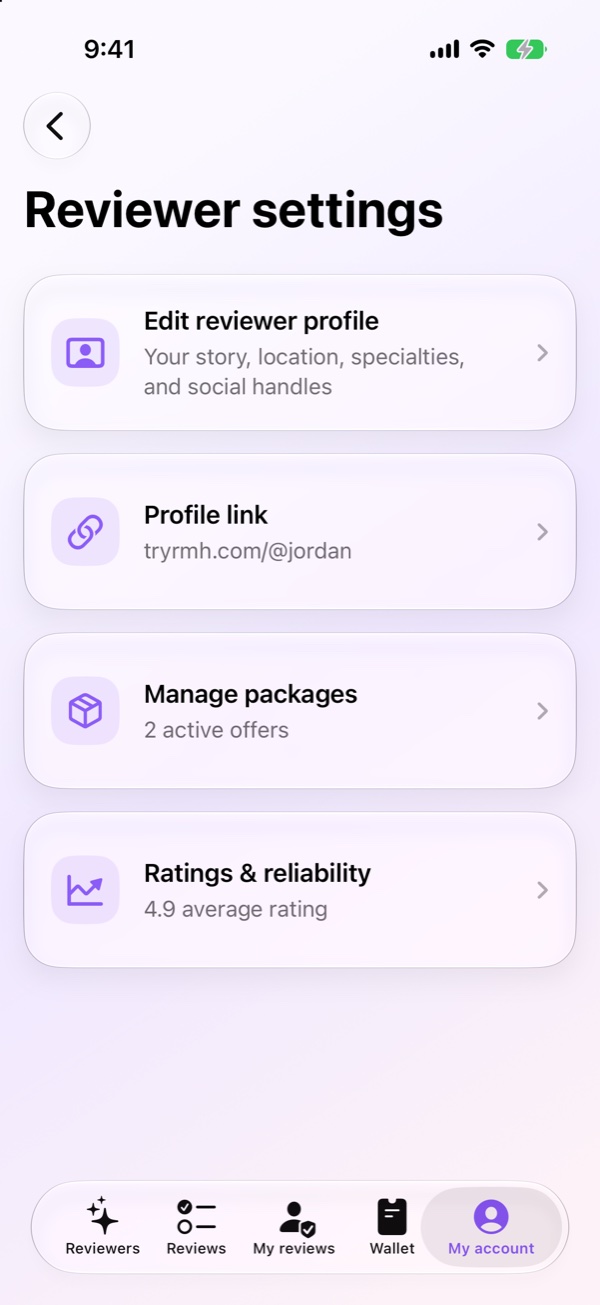
On iPhone, go to My account, then Reviewer settings, then Ratings & reliability. On Android, go to My account and tap Reviewer Health.
Here’s what the screen shows.
- Account standing
- Whether you have any strikes, and what to focus on.
- What clients remember
- Your three most recent written comments.
- Current signals
- How many reviews are rated, recent ratings compared with your average, and how many have comments.
- Rating shape
- How many 1 to 5 star ratings you have, and your Five-star share.
How ratings work
After you deliver, the client can rate the review from 1 to 5 stars and add a comment. Your average shows on your profile, so new clients see it before they book.
The best way to get good ratings is a clear, specific review that’s easy to act on. A follow-up a week later also helps clients come back to it.
What happens when a review is late
Every request has a deadline, shown on the request in Eastern Time. If you miss it, the client can choose what happens next.
- Give you more time
- They add 24 hours. They can do this twice.
- Cancel for credit
- They get RMH credit to use with any reviewer.
- Cancel for a refund
- They get their money back.
If they cancel, you get a strike, and we’ll email you and send a notification. If you know you’ll be late, send an update before the deadline, so the client knows to wait.
Strikes
- 1 strike
- A warning on your account and at the top of My reviews.
- 2 strikes
- A final warning.
- 3 strikes
- Your profile is hidden, and you’ll need to contact support before taking new requests.
You can clear a strike. Each time two reviews in a row are rated 4 or 5 stars, one strike comes off, and the banner in My reviews counts down for you. A lower rating starts the count again. If clearing a strike takes you below three, your profile comes back automatically.
Taking a break
If you need time off, hide your profile instead of letting requests go late. Open your reviewer profile and turn off Active profile. New clients can’t book you while it’s off, and pausing never adds a strike. Requests you already have still need to be delivered.
Think a strike is wrong?
Email us at support@tryrmh.com with the client’s first name and what happened. We’ll look at it.
Related
Last checked November 7, 2026, in RMH for iPhone 2.0.10 and Android 1.3.10